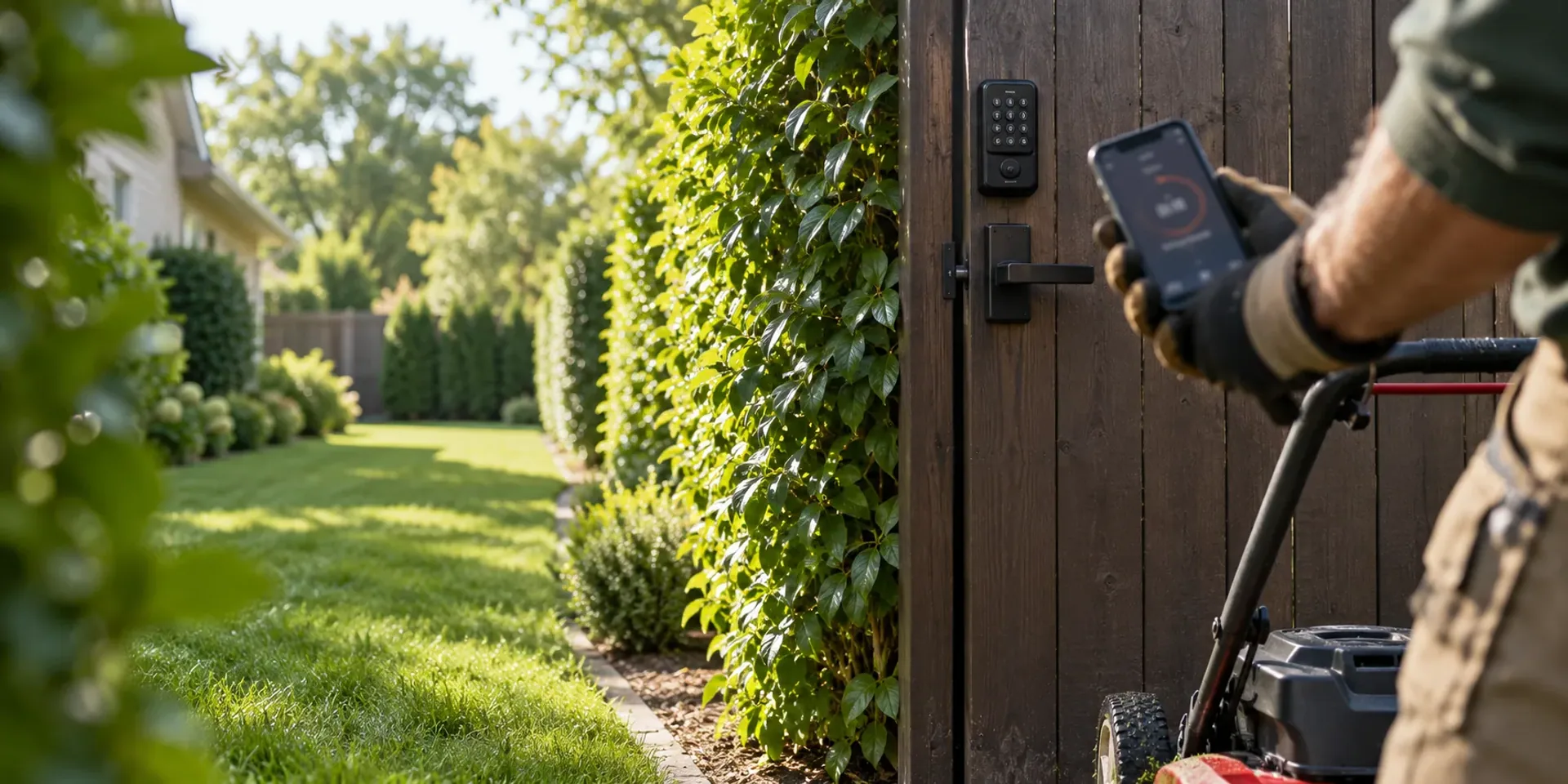
Your name on the icon. In every crew’s pocket.
Your crews, your customers and your office install apps that carry your company’s name, icon and colors, from the App Store and Google Play. We prepare every build and handle every store submission, and the apps keep working where the signal does not.
Free request. You review the scope and price before you commit, and sending it creates no account and takes no payment.
At a glance
- In the stores
- Crew, customer and office apps under your company name
- Published for you
- Every submission and resubmission handled by our team
- No signal
- The crew’s day saved on the phone, sent when it reconnects
- Yours to take
- The apps can move to your own developer accounts
One of eleven solutions: Company-branded mobile apps
What switching it on adds.
A package is priced by the solutions it names. Switch this one on and you get the list below. Leave it off and the rest of your package keeps working.
- Crew, customer and office apps under your company name and icon
- Every App Store and Google Play submission and resubmission handled by us
- Crews keep working without signal, and the work sends when it returns
- Your customers keep your app on their home screen
- The apps can move to your own developer accounts
Without it
Crews and customers open the same screens in a phone browser, under your brand. Working without signal needs the installed apps.
Published for you
From your logo to a listing in both stores.
Your brand, colors and app name go into every build. We submit it, follow the review, and resubmit when a store asks for a change.
- Your identityYour app name, icon, colors and the store listing text are set up with you.
- Built and testedEach app is built from your brand and checked on real phones.
- SubmittedWe submit to the App Store and Google Play and follow each review.
- LiveThe listing goes live when the store approves it, and updates follow the same path.
Crews keep going without signal
A dead spot loses nothing.
The installed crew app saves the route and the job details before the truck leaves coverage, so gate codes, hazards and instructions read without a connection. Time, completion, notes and photos wait on the phone and send when the signal returns.
Payments and live reports still need a connection. A browser can’t keep the day offline, so this needs the installed app.
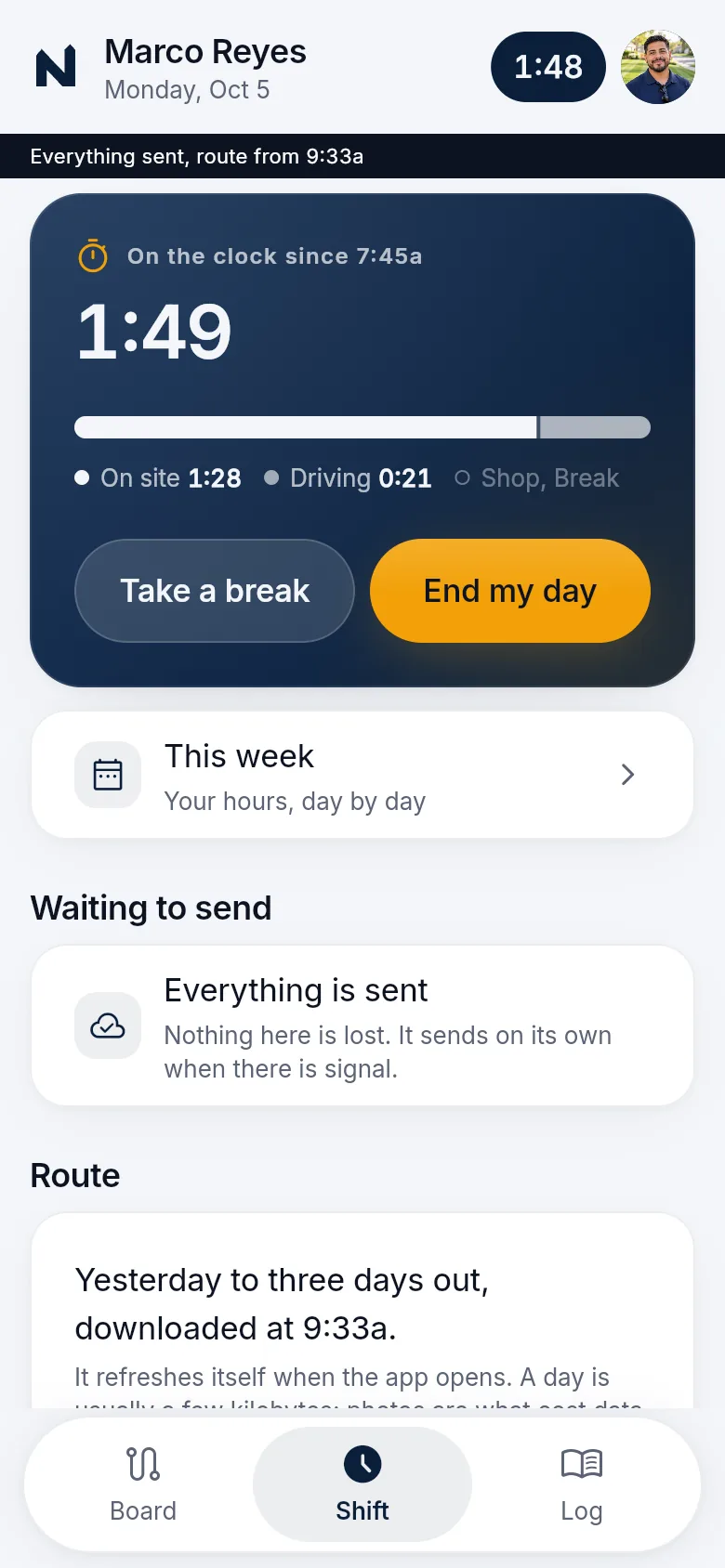
One identity in every pocket
Your crews, your customers and your office, on your app.
Crews open the stops they are assigned. Customers keep your app on their home screen for their visits, photos and messages when the package includes the customer portal. Your office runs the day from the office app.
What branded apps add
- Crew, customer and office apps under your company name and icon
- Every store submission and resubmission, handled by our team
- A crew day that works without signal and sends when it reconnects
- Phone notifications in your name
- A way to move the apps to your own developer accounts
Where it stops
- Store approval. It is Apple’s and Google’s decision
- Payments and live reports offline. They need a connection
- Screens your other solutions don’t include. The apps show what your package switches on
Before you buy
What has to be agreed first
This page describes the capability. It does not put every module, unlimited texting, ad management or a custom software project into an unnamed price. Your package names what is included, what we set up with you, and which provider or usage charges sit outside it.
Read how package scope is quotedSee what concierge setup includes
Your package names
- What is included
- The modules and support your package lists
- What we set up with you
- Agreed with you before you buy
- What sits outside
- Provider and usage charges, such as payment processing, texting and email
Questions
Questions owners ask
Short answers to what owners ask before they send a request. Anything missing goes in your request, and we reply by email.
What is different from the apps in a browser?
The screens are the same. The installed apps carry your name and icon on the home screen, keep the crew’s day on the phone so it works without signal, and send phone notifications. Without branded apps, crews and customers open the same screens in a phone browser, which needs a connection.
Who submits the apps to Apple and Google?
We do. Each build is prepared from your brand, tested, and submitted to the App Store and Google Play. We track every submission, review and resubmission, and the listing goes live when the store approves it.
How long does store review take?
Approval is Apple’s and Google’s decision, and timing varies. Your office can use the apps in a browser while the store apps are in review.
What works without signal?
The crew’s saved route and job details read offline. Time, completion, notes and photos wait on the phone and send when it reconnects. Payments and live reports need a connection.
Can we take the apps with us?
Yes. The store listings can be transferred to developer accounts in your company’s name. Your agreement sets out how.
See what your package would include.
Tell us your company, services and crews. We reply by email with scope and price.
Build my packageFree request. Nothing is charged until you agree to scope and price.